It’s a weird year to be teaching. I, like so many of you, have no idea what mode of instruction I will face in the fall. Currently, we are told by the Minister of Education that we will go back to school full-time, 5 days a week. However, here in Canada, the Health Officer has the final say and the number of Covid-19 cases continues to climb daily as my province has opened up. Basically, it’s anyone’s guess right now with more than a month before classes are scheduled to begin. How do you get to know a class without ever seeing them face to face? How will I know their needs? How will I build community? How will I know if they are doing their work or if they are being supported at home? How much support do they have? So many questions… Either way it’s a pretty sure bet that all about me type activities will be happening. Probably a lot of them.
One thing that I know is that kids love to hear about when they were little. My own kids love to hear stories about what they did when they were babies and toddlers. In particular they love to hear stories about how they were named and what names we considered. I thought that this would make a great getting-to-know-you activity last year so I gave it a try and it went super! Kids in my class were so engaged! Here is my basic plan:
On the first day, read the book “The Name Jar”. You can use the book Chrysanthm too if you have that, but I like to hold on to that for another lesson later on in September. I plan to read this aloud to my students in a video but, if you are looking to save time I did come across this recording on Youtube. I liked this video because it showed whole pages.
Next, I gave students a word search with the names of all the students in our class, plus any teachers that would be working with our class during the year. I hoped that it would help students learn the names of other students our classroom. I used the Discovery word search generator. You can of course have students create their own word searches.
Later, Students ask their parents or guardian how they got their name and what other names (if any) were considered. Now, you have to be a bit careful here. Not all kids will know who named them or why (think adopted kids or foster kids). I think its best if you have a bit of knowledge about your class before doing this activity. I told my students that any response would be acceptable – in other words it could be short and to the point.
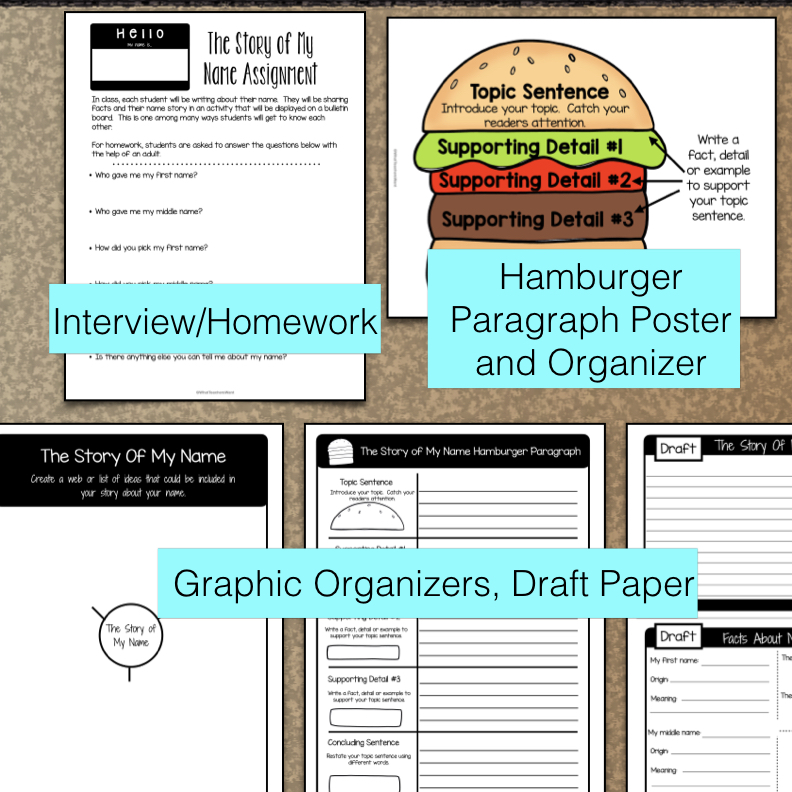
The second day students then used a graphic organizer to organize the information they got from their parents. They wrote a short paragraph about how they were named, using the hamburger model (I gave students a copy of this).
On the third day, students researched what their name meant and what the origin of their name was using BabyNames.com. Then, students typed into google “When was ___(their name)__ most popular” and look through the results for the year when their name was the most popular. Also, I taught students how to draw bubble letters and they practiced on white boards for a bit. I was preparing them to write their name in bubble letters on the front of the flip book I was going to assign as their good copy the next day.
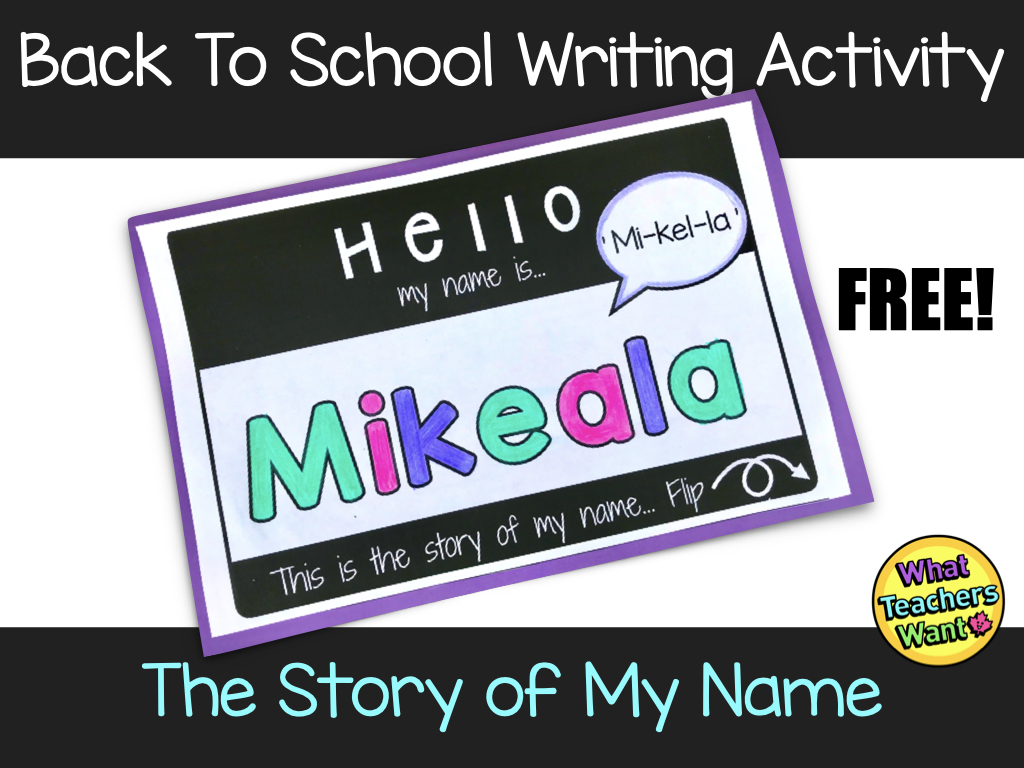
On the fourth and fifth day, students filled out the good copy of the project. You can get my resource, “The Story Of My Name”, for FREE by signing up for my newsletter. If you would like to have a look at the resource and see all the PDF pages and graphic organizers I’ve included in the freebie, it is on TPT and you’ll find it here. Please note that the digital version is not available as a free download.
If you have already purchased The Story of My Name on TPT – you’ve got a bonus waiting for you on your “My Purchases” page in your TPT account – there is a digital version now. I kind of love the digital version. I made it into a digital flip book. Students will drag and drop letter to make their name and can even ‘flip’ through the book. When students put it into “Present” mode they can click the tab and be taken to the correct page.
Last year once students were done, I hung the pdf version of these on a bulletin board for “Meet the Teacher Night” and everyone loved them!
Wishing you a safe and happy Back to School!
 What Teachers Want